40 Ebook Etsy Listings Mockup: Elevate Your Shop
Creating a cohesive and professional-looking Etsy shop can feel like a full-time job before you even make your first sale. You've poured hours into designing your digital product—be it an ebook, a printable planner, or a set of social media graphics. Now, you need to present it in a way that stops the scroll, communicates value instantly, and builds trust with potential buyers. This is where the right visual assets become your silent salesperson.
What Exactly Are These Mockup Templates?
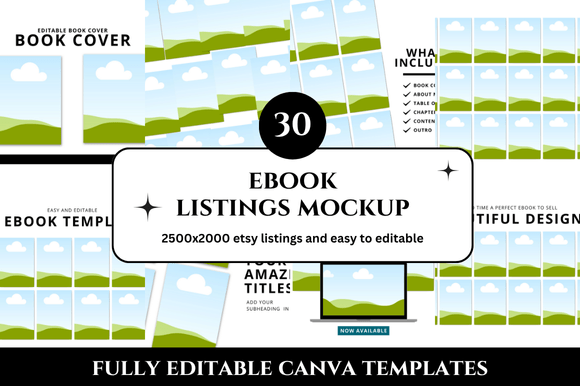
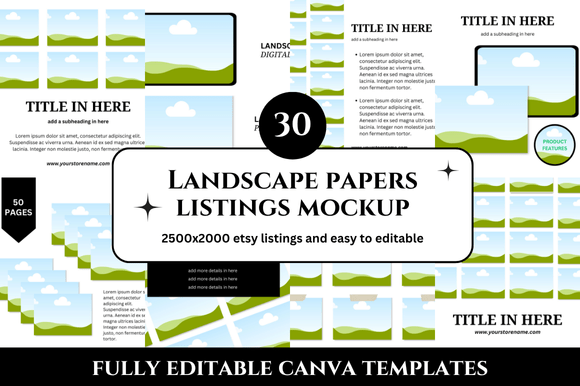
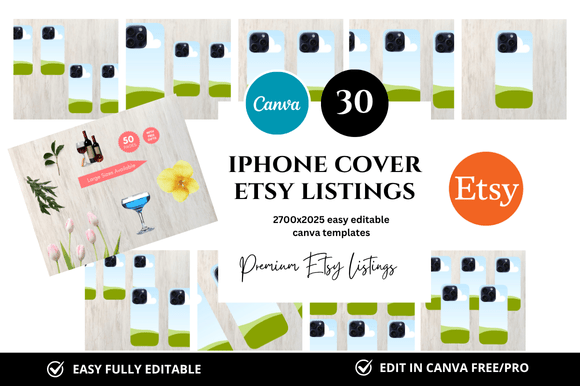
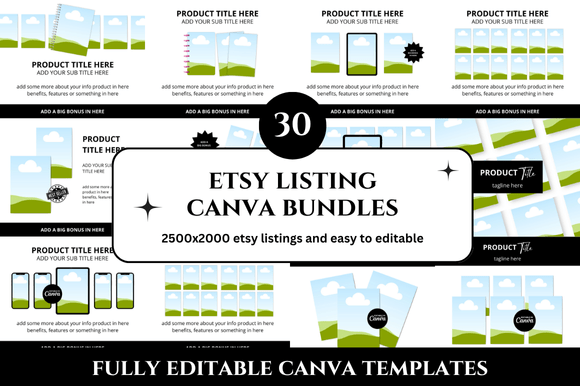
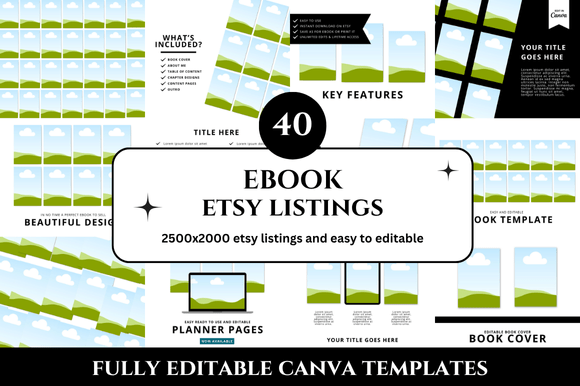
The 40 Ebook Etsy Listings Mockup is a curated collection of customizable Canva templates designed specifically for showcasing digital products. Think of it as your visual branding toolkit. Each template in this bundle provides a clean, professional canvas where you can seamlessly insert screenshots or images of your digital product. The visual style leans towards modern minimalism—think soft shadows, subtle textures, and neutral color palettes that make your product the hero. The overall appeal is one of understated professionalism; it doesn't scream for attention with flashy graphics but instead draws the eye through sophisticated composition and a focus on clarity.
This isn't just a set of static images. It's a Canva Link Template system, meaning you receive a direct link to an editable Canva file. You don't need advanced design software or skills. With basic drag-and-drop functionality, you can customize colors, fonts, and layouts to match your brand identity. The 2500 x 2000 pixel resolution ensures your listings look sharp on all devices, from desktop monitors to mobile screens.
Where These Mockups Make the Biggest Impact
The true power of a consistent Etsy Listing visual strategy is in its versatility. These templates are built for the core of your Etsy presence: your shop's listings. However, their application extends far beyond.
- Etsy Shop Branding: Use them to create uniform Etsy Shop Covers and Etsy Banners. A cohesive look across your banner, profile picture, and listings is fundamental for building a recognizable brand identity.
- Social Media Marketing: Adapt the templates for Instagram, Pinterest, and Facebook. A product mockup that works for an Etsy listing can be easily resized and repurposed for a social media post, ensuring your marketing visuals are always on-brand.
- Website and Blog Graphics: If you sell on your own website or write a blog, these mockups provide ideal graphics for product features, tutorials, or promotional material.
- Presentation and Pitch Decks: For freelancers or designers, a clean mockup is perfect for showcasing work in client presentations or portfolio pieces.
- Email Marketing: Include a professional mockup of your latest product in your newsletter to drive traffic back to your shop.
The key advantage is the time saved. Instead of starting from a blank canvas for each new product or platform, you have a ready-made framework that upholds your professional standards.
The Strategic Advantage of Consistent Visuals
Using a unified set like the 40 Etsy Listings Mockup bundle does more than just make things look nice. It directly influences customer perception and behavior. Consistency builds trust. When a shopper sees that your listings, shop banner, and social media all share a similar visual language, it signals that you are a serious, organized seller. This professionalism can reduce perceived risk for the buyer, making them more likely to click "Add to Cart."
From a design perspective, these templates help establish a clear visual hierarchy. The mockup naturally guides the viewer's eye to your product first, then to the title and description. This clarity improves the user experience and can lead to higher engagement rates. You're not just selling a product; you're selling an experience, and the mockup is the first touchpoint of that experience.
Practical Guidance for Implementation
Getting started is straightforward, but a few strategic choices will maximize the value of your investment.
- Audit Your Brand First: Before you dive into editing, have your brand colors (hex codes are helpful) and preferred fonts ready. The goal is to make these templates work for your brand, not the other way around.
- Customize with Purpose: Don't just change the colors. Consider the layout. Does your product have a vertical or horizontal orientation? Choose the mockup that best frames it. Adjust the background to complement your product without competing with it.
- Test for Readability: If you're adding text overlays for titles or key features, ensure the font is legible against the background. Use high-contrast combinations for critical information.
- Maintain a Library: Save your customized templates in a dedicated Canva folder. This makes it incredibly efficient to create new listings or promotional graphics on the fly.
- Leverage the Bonus Freebies: Often, these bundles include additional elements like social media icons or decorative graphics. Integrate these subtly to enhance your overall shop aesthetic.
Remember, the mockup is a stage, and your product is the star. Its job is to present your work in the best possible light, free from distracting clutter. By investing in a professional template system, you're investing in the perceived value of your digital products and the long-term credibility of your Etsy shop. It’s a practical tool that solves a common problem for Etsy Sellers, allowing you to focus your energy on what you do best: creating.